Using Outlook 2010 with Google Calendar


Update 1 October 2010: If you want FULL sync, then Google has updated its sync tool to support Outlook 2010—please go to the Gmail blog for more info. Comments on this post will also be disabled, as there is nothing left to say.
If you are using Google Calendar and want to use it with Outlook 2010, you will find that the Google Calendar Sync tool no longer works  .
.
So what can you do? Well, Outlook 2010 supports the iCal format, and so does Google Calendar—so you can use that to get a basic sync between the two.
To set this up, go to your calendar details page in Google Calendar (Settings link at the top of the window, then Calendars, and finally click on the calendar name). At the very bottom of the page, there are two sets of icons: one public and one private. Right-click the iCal icon from the private section and select Copy URL.
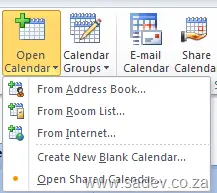
Now, in Outlook, go to your calendar and click the Open Calendar button, then select From Internet. Paste the URL into the text box and click OK.
There you go—your Google Calendar is now in Outlook 2010.
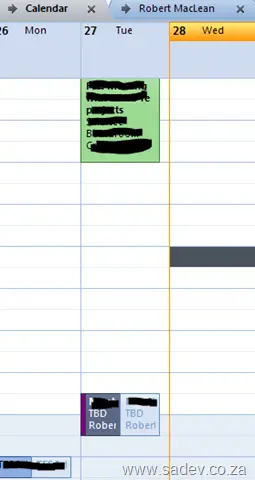
Downside: You now have two calendars in Outlook to work with, but if you click the little arrow next to the calendar name:

you can have them display as one and can easily copy/paste between them.